 FierceSpeed
Tally
Updated
Your day, a little clearer
Remember your work and keep your time in order. Tally brings timers, quick check-ins, projects, team timesheets and reports together.
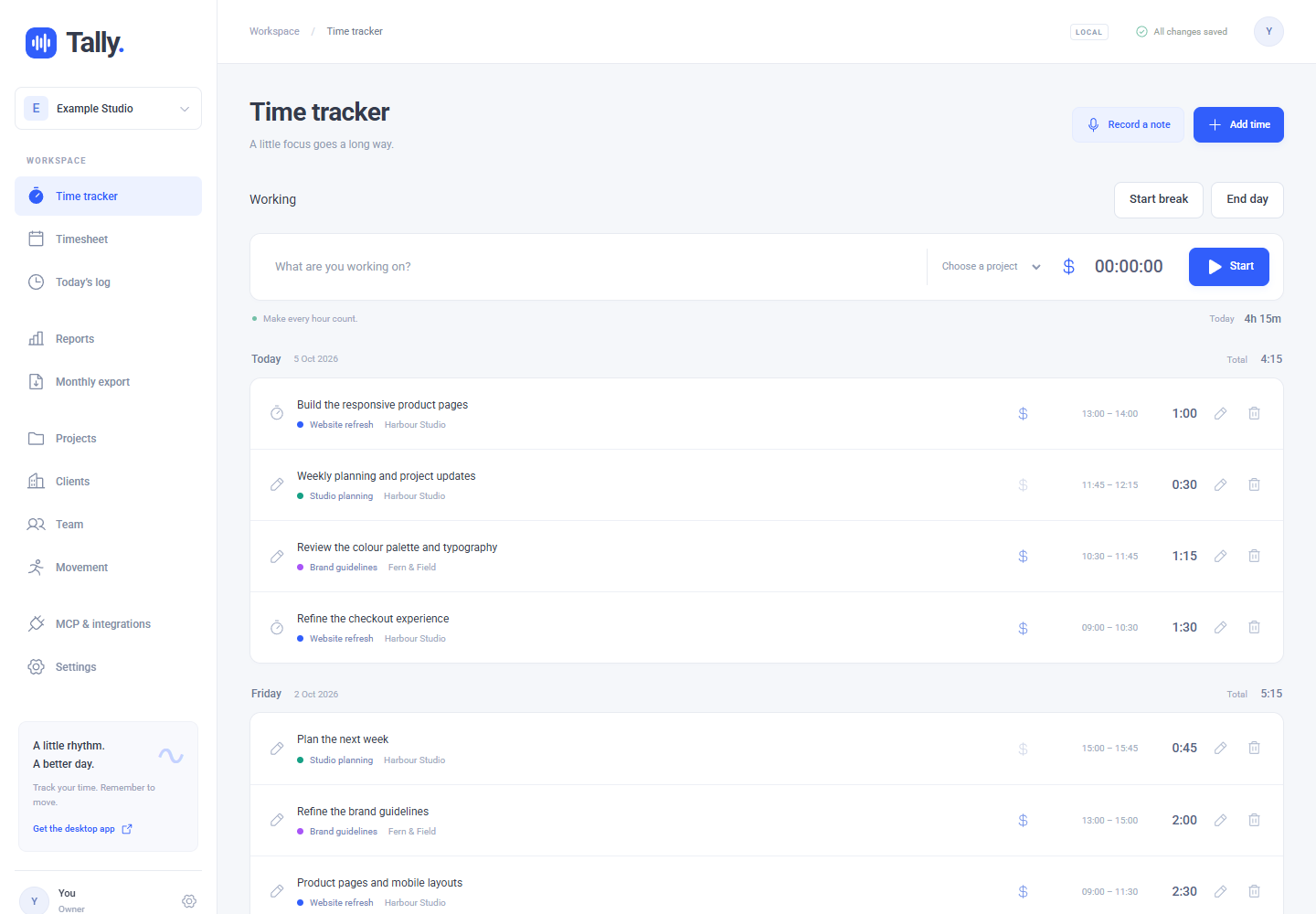
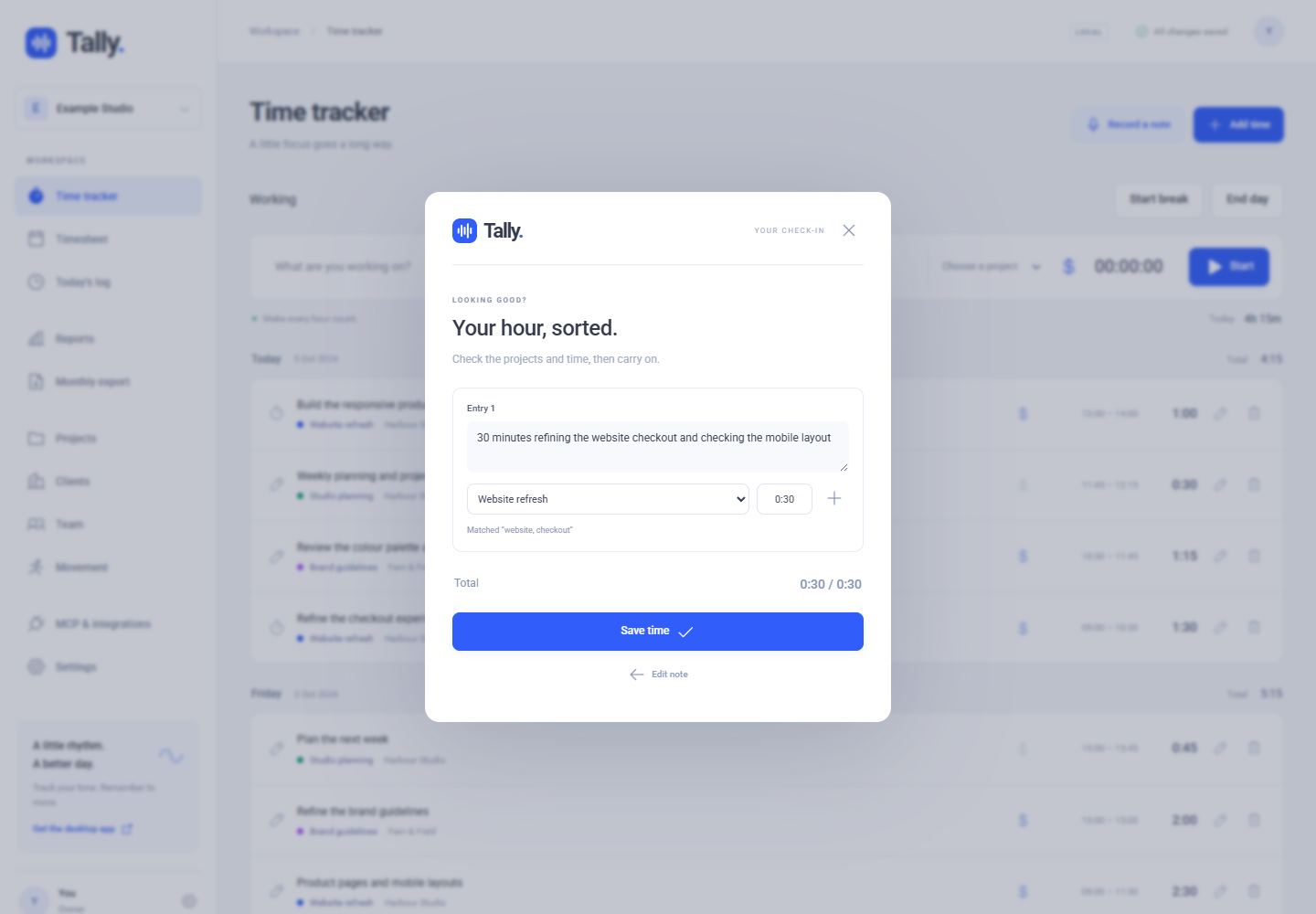
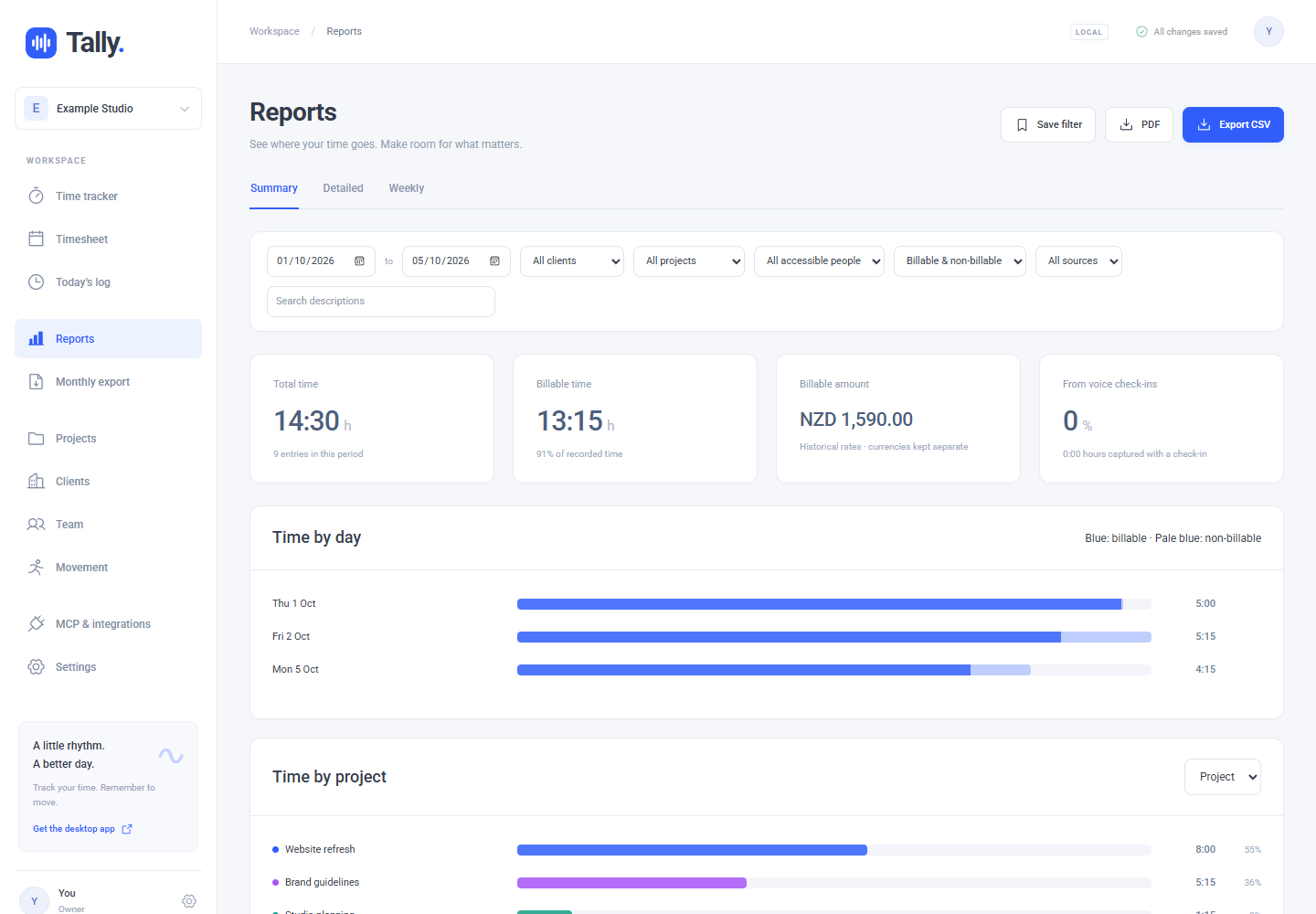
A look inside Tally
Actual app screenshots with fictional sample data. Select an image to view it at full size.
Windows and the web
The current Windows app provides a global check-in shortcut and workday timing. The web app works in your browser. Sign in with Google or an email link. The download page still lists older Mac packages; use the web app on Mac until a new Mac build is available.
Windows may show a publisher warning. The download page explains installation.
Start work. Pause for lunch. Pick up again.
Use Start day, Punch out, Start new task, Start break, End break and End day to record your work. Adjust a start or finish if you forgot to clock in or out. Breaks are left out of your task entries.
Movement has a new home
Exercise reminders have been removed from Tally and now live in Up Ya Get, a separate app. Your saved exercise list and history remain available in Tally under Settings, Account, Export exercise history. Update and restart the Windows app to remove its old reminder timer.
Use the dictation you already have
Speech transcription is off by default. Type your note or dictate with Wispr Flow. Built-in transcription is optional and uses your own Deepgram API key and provider account. Review project matches and time before saving.
Your workspace and integrations
Organise clients and projects, review reports and export time. Authorised MCP clients can connect using the FierceSpeed address shown in Tally's integrations screen. Workspace roles control access to team time.
Before using Tally, you will be asked to agree to the terms and conditions. Read the privacy notice for information about account data, sharing and optional services.